
Beyond These Stars Interstellar Logistics: Shipping Guide
Beyond These Stars interstellar logistics explained: port and pad limits, manual vs automated shipping, and what to stock before Kewa leaves your system.
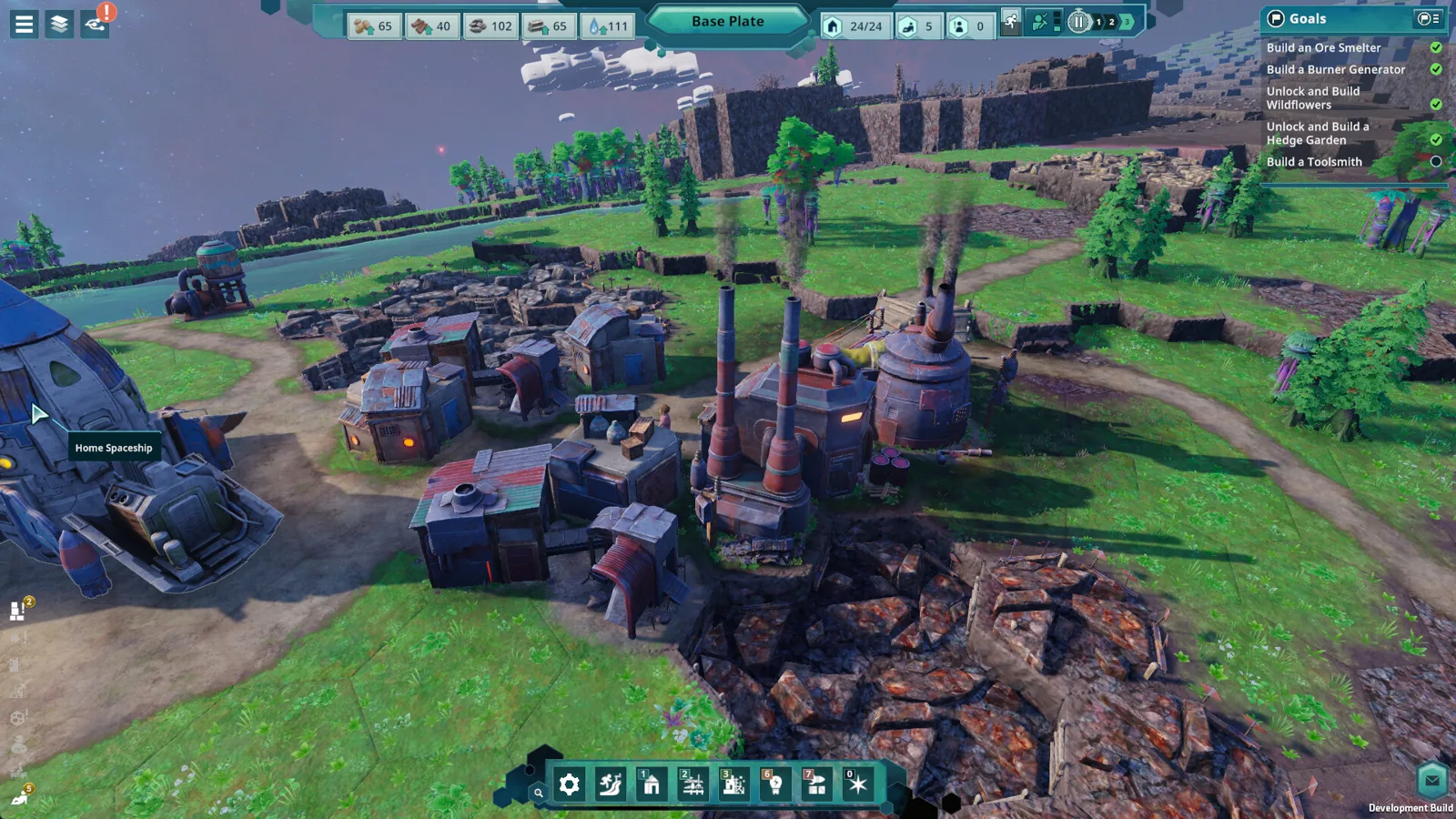
Table of Contents
Beyond These Stars interstellar logistics comes down to three moving parts: what a planet can hand you, what an outpost still needs shipped in, and how long Kewa decides to stay in the system. Get one of those wrong and your builders stand around waiting for wood while the whale drifts toward the next star. Everything below is tagged by build, because the shipping systems players tested in the October 2026 preview are not automatically the same as the 1.0 launch on October 16, 2026.
The loop is easy to describe and fiddly to run. Your city on Kewa produces, nearby worlds fill the gaps, and ships carry the difference. The Steam store page frames the whole game that way, asking you to weigh supply chains "within the context of a living, breathing, sentient world."
The Supply Chain Runs Through Kewa
Kewa is not a starter map you abandon. It stays home for the whole journey, and trade runs both ways: the whale's back sends out the startup kit, and outposts eventually pay it back in goods Kewa can't produce. A fan guide on beyond-these-stars.wiki calls this a two-way economy, and the developer material points the same way.
Timing is the catch. The store page warns that outposts are "supplementary sources of what you need," but that without a strong relationship with Kewa "you may find it difficult to predict how long you have at an outpost" before the whale moves on. Your departure clock is a relationship, not a timer.
Growth forces the issue anyway: research unlocks advanced goods, needs climb, and the store page says "complex logistics networks and mining infrastructure will follow."
What the Galaxy Map Unlocks
| Stage | What opens up | Where it comes from |
|---|---|---|
| Unlock travel with Kewa | The Galaxy Map becomes available | Dev Blog #28, July 20, 2026 |
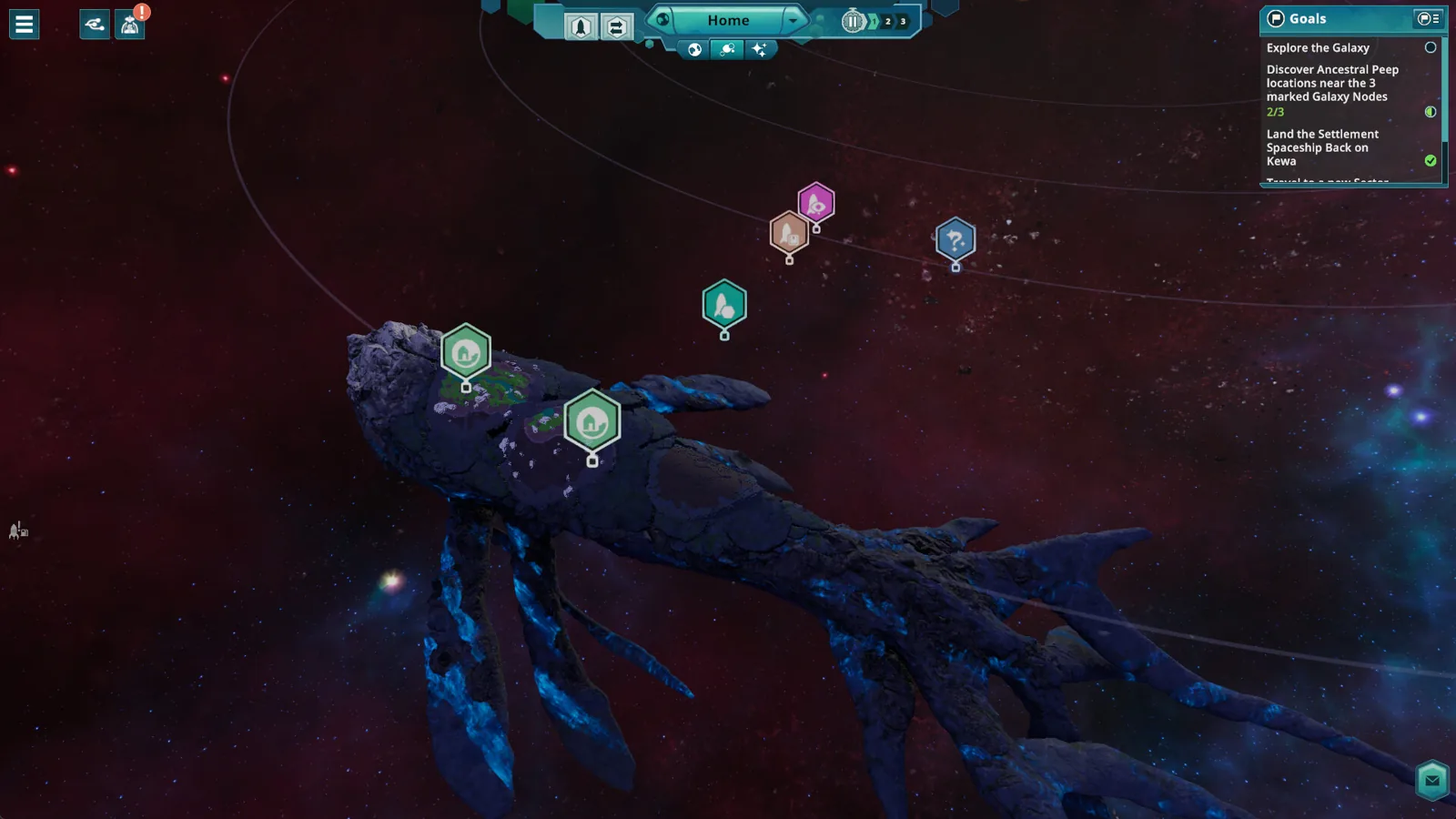
| Open the map | Star nodes you can ask Kewa to fly to, scouted with Jose | Dev Blog #28 |
| Scout a star | Some systems hold planets that support Peep life and carry resources Kewa lacks | Dev Blog #28 |
| Settle a planet | The outpost needs startup supplies before it exports | October 2026 preview notes on beyond-these-stars.wiki |
One tempting target from Dev Blog #28: a planet in the Neutral Sector with chickens and cows, where the new Pasture building farms milk and eggs, alongside berries, wheat to feed the animals, and shells for cement — with the Trawler and Orchard unlocking in the same breath. That is what a good outpost looks like. Not extra ore, but a production line your home city cannot run.

Outposts: Ships, Pads and Port Limits
Players working through the October 2026 preview describe three ship roles, and mixing them up is the most common way a run stalls. Those numbers come from a fan guide on beyond-these-stars.wiki, so treat them as preview-era details until your own save agrees.
| Ship | Job | Infrastructure it needs |
|---|---|---|
| Scout Ship | Scans celestial objects, planets among them | No landing infrastructure noted |
| Trade Ship | Hauls goods between Space Ports | Landing infrastructure at both ends |
| Settlement Ship | Founds a colony on a new world | Can touch down with no pad waiting |
The Settlement Ship is the one that catches people out. It isn't built in the Spaceship Builder — it's your Home Spaceship, upgraded, with its steady resource production swapped for extra storage and a Landing Pad attachment. Check that food, water and building materials already flow before you convert, or you lose a small income stream exactly when you start feeding a second settlement.
It can also land with nothing prepared for it, but it stays grounded after that until a Space Port exists on the new world. One port tops out at four Landing Pads, one ship per pad at a time — those two numbers explain most "why is nothing arriving" moments in the preview build.
Establishing an Outpost Without Stranding Supplies
Order matters more than speed. Landing first and scouting second is how an outpost ends up short of the material it actually needed, so run the checks in sequence.
- Scout the planet and read its resource list before committing materials
- Note the biome and environment; fertile land and useful animals are not the same offer
- Load construction supplies for the specific buildings you plan to raise
- Get housing, food and water running on the surface
- Raise a Space Port so the Settlement Ship can leave again
Keep the build narrow to the outpost's purpose. If you came for shells or wool, stand that chain up before you spend materials on a town square — an outpost can support basic life while still lacking key construction goods.
Manual or Automated Shipping
Two modes, two jobs, and picking the wrong one is why a delivery lands three hours after you needed it.
| Mode | How it behaves | Use it for |
|---|---|---|
| Manual | You set the cargo, amount, destination and timing | One-off construction drops and shortages |
| Automated | Keeps a route running against configured needs | Recurring consumption and steady outpost exports |
Manual is the precision tool: 20 wood and 15 glass for one specific build is the kind of order the system takes. Automated is for the boring repeatable stuff — a destination that burns the same resource every cycle, or an outpost exporting on a loop.
Then the flow flips. A new settlement consumes: construction supplies move outward while you raise pumps, woodcutters and bridges. As it matures, its signature resources head home to Kewa, which is where Beyond These Stars interstellar logistics starts paying for itself. Before cutting support, check what the outpost still imports — good food does not mean spare industrial materials.
Bottlenecks Inside the Settlement
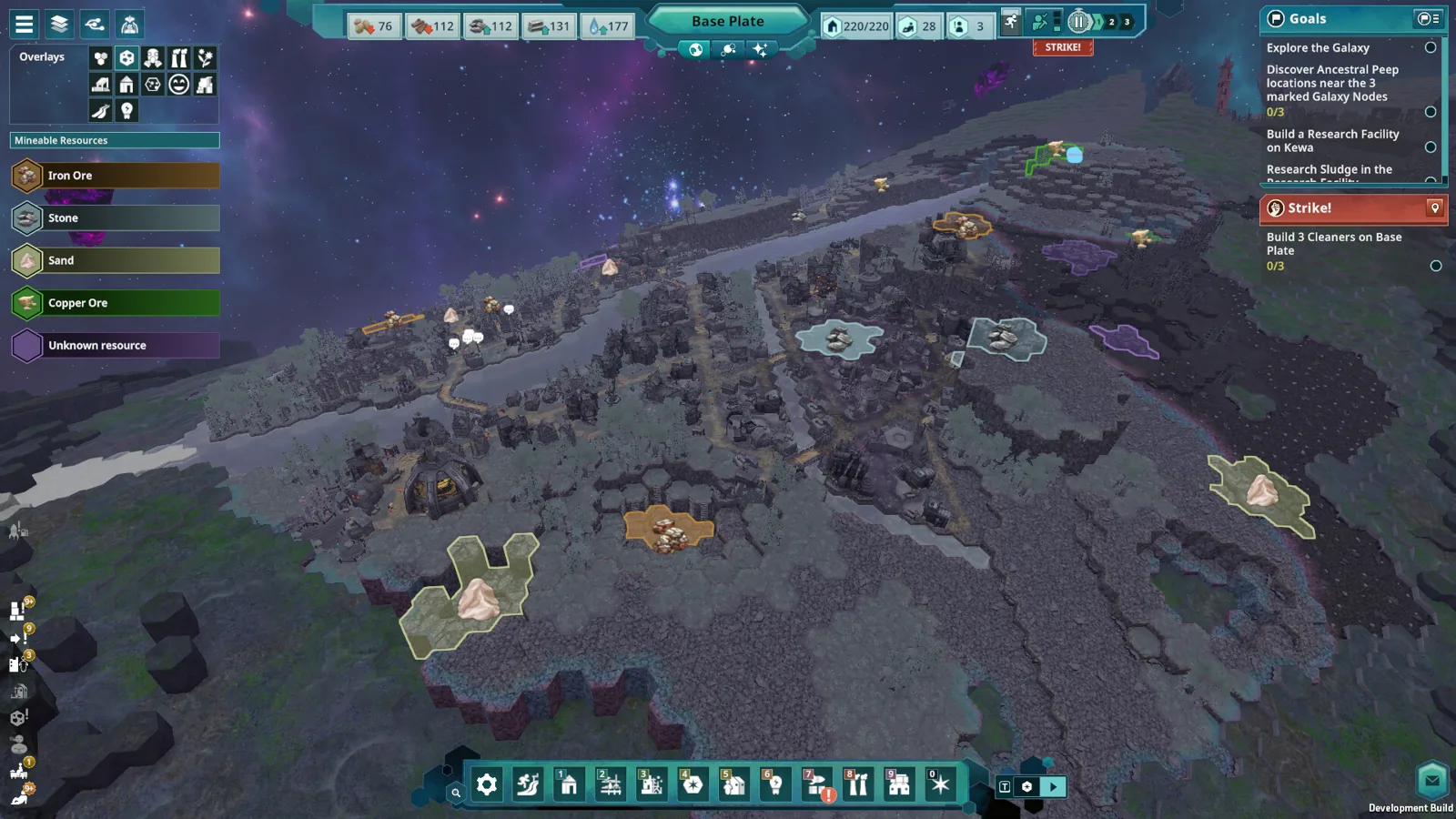
When deliveries lag, the reflex is to buy another Trade Ship. Check the destination's pads first: with four pads taken, a new ship joins the queue rather than solving anything. And goods still have to travel from the pad to storage, so a long internal haul keeps a bottleneck alive after the flight is sorted.
Fixing Local Bottlenecks Before Adding Ships
Inside the base, the October 2026 preview build documented on beyond-these-stars.wiki let you tune how each production building collects inputs and releases output — you pick the storage level that triggers a collection run, and set the output side to wait for a full load, push whatever is sitting there, or stop.
| Building | Inputs | Outputs |
|---|---|---|
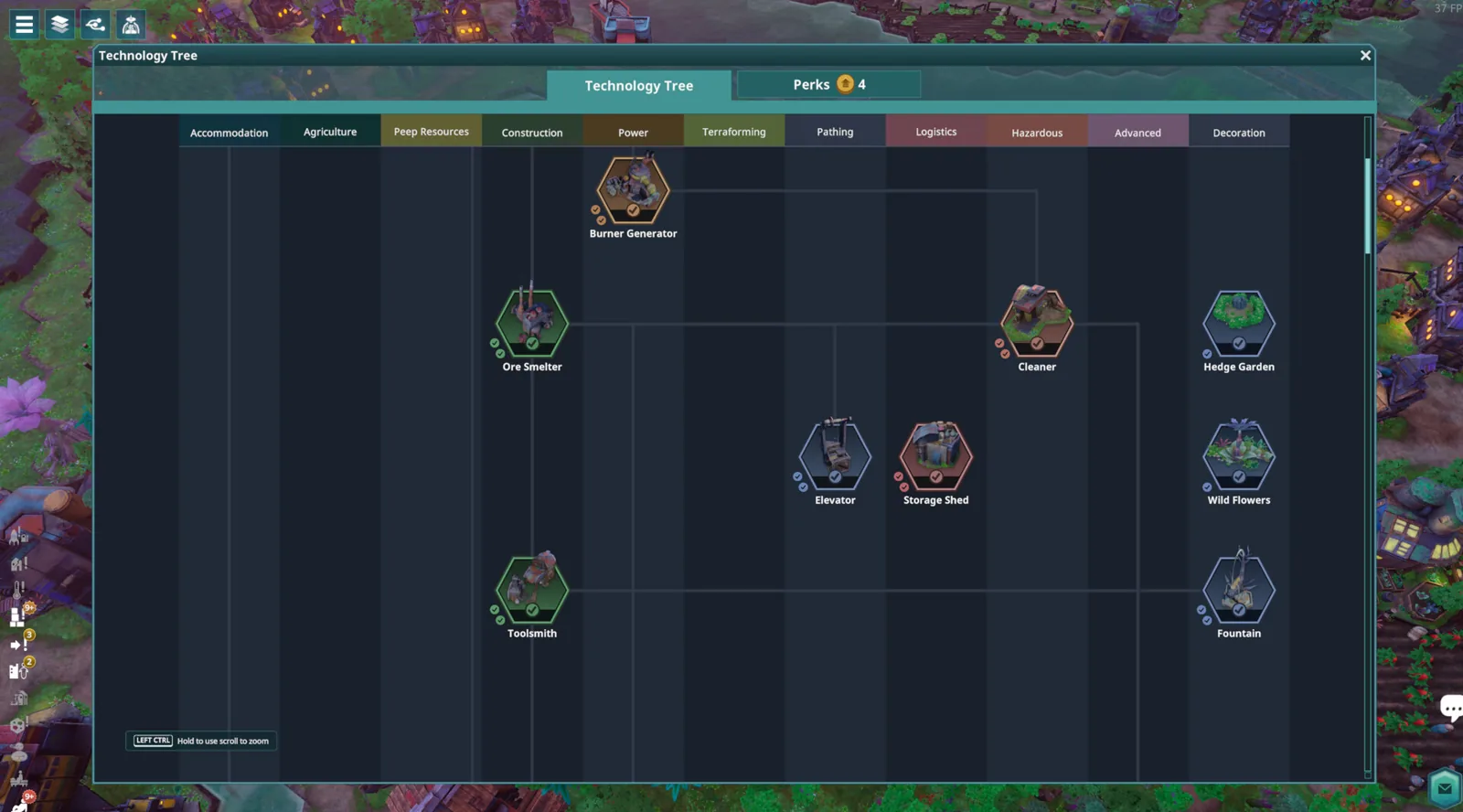
| Ore Smelter | Iron ore and electricity | Iron and soot |
| Toolsmith | Wood, iron and power | Tools and slag |
Byproducts are the sneaky failure point. Wood waste can feed a Burner Generator, and Storage Sheds have work settings that decide what they hold, so a factory can stop dead because there is no room for slag while your warehouse is packed with tools.
Roads cost nothing to lay in the preview, but Peeps still spend real time walking them. Power early on is adjacency-based: a powered building passes electricity to its neighbour, letting a Generator, Ore Smelter and Toolsmith form one chain.
When a chain stalls, work through the obvious suspects in order:
- A missing input usually means competing consumers or an input-fetch threshold set too high.
- A full output means no room for one product or its byproduct.
- No power means a broken adjacency link between buildings.
- Empty work slots point at workers, shifts, energy and Peep happiness.
- Late deliveries start at Landing Pad congestion, then the route past the port.
Kewa’s Health, Temperature and Repairs
Your whale is part of the logistics network, not scenery. Dev Blog #29 (August 12, 2026) states that a healthy Kewa travels the galaxy faster, which shortens every supply run. Biome care is the lever: planting trees, minimising pollution and creating rivers around your settlements on Kewa's plate keeps them feeling good.
Push it the other way and mood has visible payoffs. When Kewa is incredibly happy, Kewa fruit trees spawn with bonuses to Peep happiness; when they are unhealthy, Thorny Stems appear with negative effects on your Peeps. Dialogue choices nudge the meter too — harsh lines cost a little, kind ones give a little back.
Stamina matters as well. If Kewa runs low mid-journey, they detour through debris fields to eat and recover — and that same debris can rain onto buildings and break them, so repairs come before production resumes.
Prepare for Temperature Changes and Repairs
Regions Kewa can stop in run hot or cold, and Dev Blog #28 notes that lingering too long in either extreme affects Peep mood and how fast your crops grow. A resource-rich planet is not automatically a good long stay, so read the environment column alongside the resource list.
Hot or cold regions drag Peep mood and slow crop growth the longer you remain, so plan shorter work rotations and keep warm- and cold-weather clothing in the chain. Let Kewa overheat and happiness slides until they initiate emergency travel to somewhere cold, which is why a healthy biome matters before you park in a hot galaxy. Debris damage is the third hazard: broken buildings stop producing until repaired, so keep repair capacity on hand at every outpost.
Clothing is the chain people forget. Notes on beyond-these-stars.wiki describe wool and cotton feeding Weavers, which pass fabric to Tailors for cold-weather and warm-weather gear — stand that up before you commit Peeps to long shifts somewhere harsh.
Treat repairs as part of production, not cleanup. A building knocked out by debris halts whatever it made, and a stalled chain on a planet becomes a missing shipment back home.
FAQ
How does Beyond These Stars interstellar logistics work?
Kewa is your permanent home and production hub; outposts cover what it cannot make, and ships move the difference between Space Ports. Kewa's mood and stamina decide how long you get in each system. The ship, pad and route details above come from a fan guide on beyond-these-stars.wiki, so check them against your own 1.0 game.
Can a Settlement Ship land without a Space Port?
Yes. It can set down with nothing built for it, and the attached pad opens trade straight away. What it cannot do is leave again until a Space Port stands on that world.
How many Landing Pads can a Space Port have?
Four, with one ship per pad at a time, per that same beyond-these-stars.wiki guide.
Why does Kewa’s happiness matter for shipping?
A healthy Kewa travels faster, shortening every route. An unhappy one may force an emergency jump to a colder region, leaving outposts behind on someone else's schedule. The Steam news hub carries the developer posts behind those mechanics.
Related Articles
Continue Reading

Beginner Guide: Your First Days on Kewa
This Beyond These Stars beginner guide covers your first days on Kewa: water pumps, potato patches, huts, the 16-tile job rule and early sickness risks.
Guide: Surviving Your First Colony
A practical Beyond These Stars guide to pollution control, adjacency effects, terraforming, tech unlocks, perks and exploring the galaxy on Kewa.

Peep Happiness and Strikes: 2026 Guide
Beyond These Stars peep happiness and strikes guide: strike goals, the three-shift timer, happiness modifiers, sickness, mourning and celebration bonuses.
Peep Sickness and Mourning Guide
Beyond These Stars peep sickness and mourning explained: energy thresholds, Apothecary recovery items, Memorial Statue bonuses, and a clear response order.

Buildings: Adjacency and Layout Guide
Planning your beyond these stars buildings with real adjacency bonus numbers, early placement rules and a step-by-step fix for stalled production chains.
City Building: Layout, Power, Adjacency
Learn beyond these stars city building: placement rules, power lines, adjacency numbers, terraforming tips and how to debug a stalled production chain.